
You must be a member of an existing Plerion organization to sign in with GitHub SSO.
Steps to sign in with GitHub SSO
1
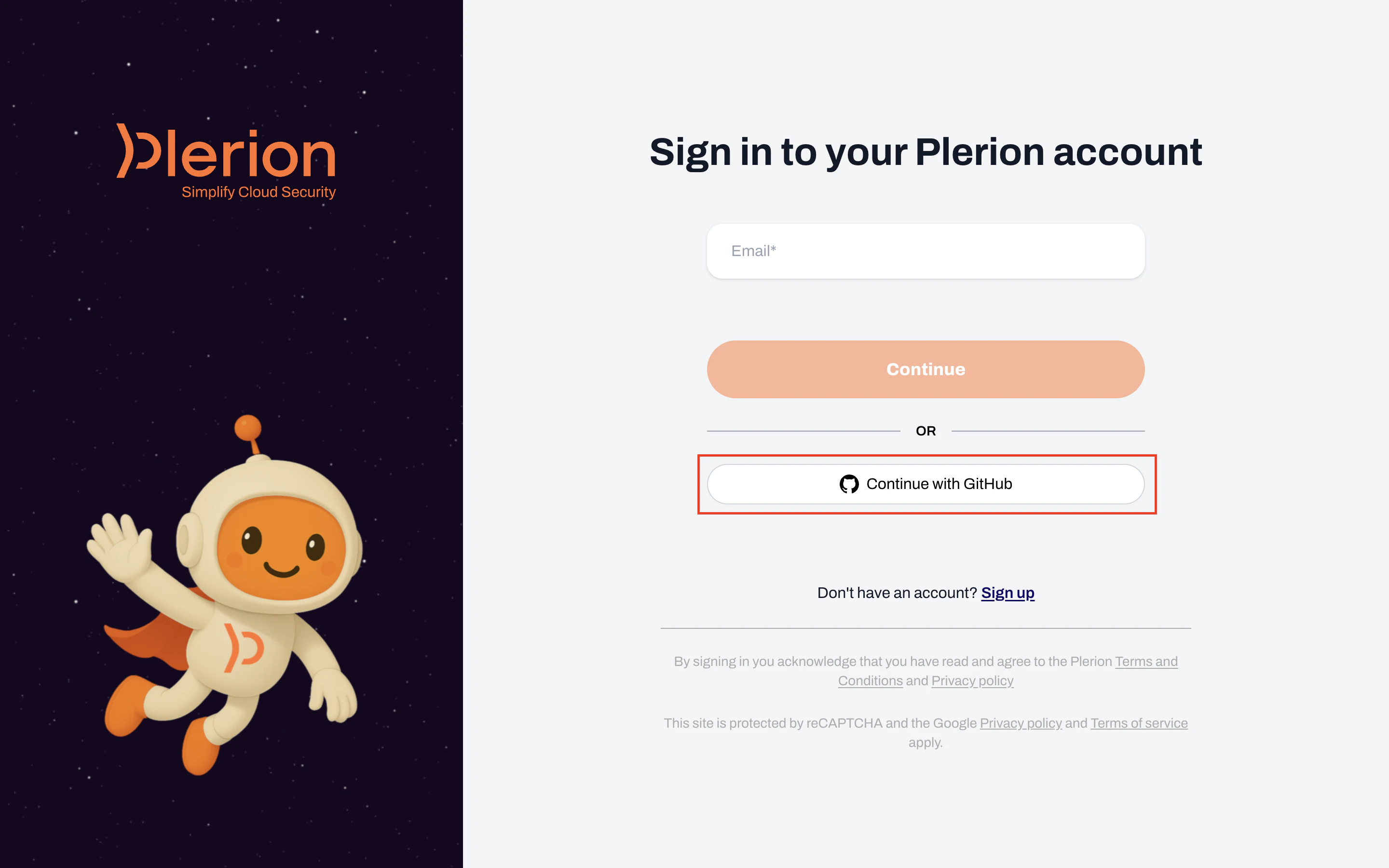
On the Plerion login page, click the GitHub SSO button
2
Authorize the Plerion OAuth app
GitHub displays an authorization page for Plerion authentication. This page shows the permissions Plerion requests: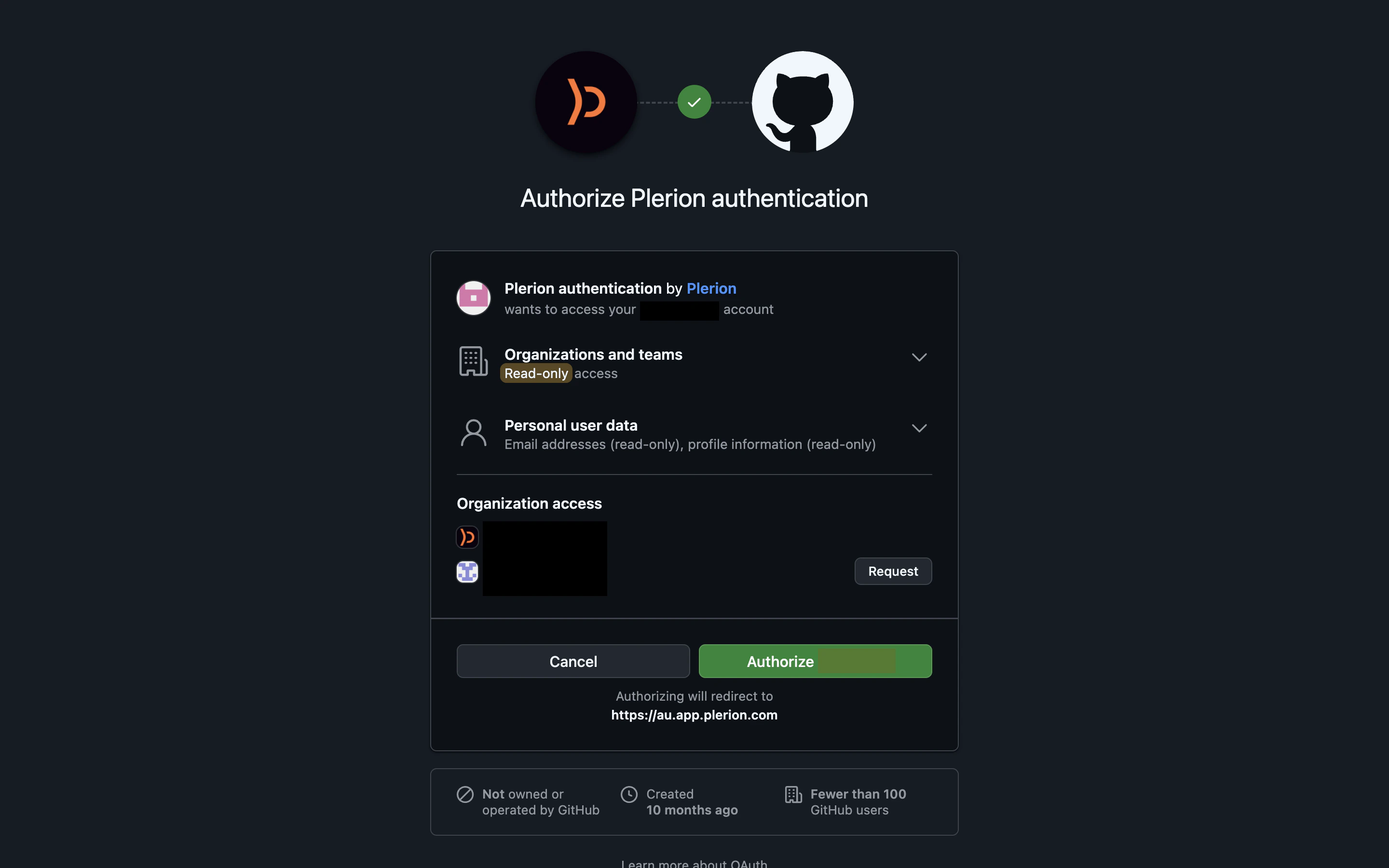
- Organizations and teams: Read-only access to your organization and team membership.
- *Personal user data: Read-only access to your email addresses and profile information.
Authorize to continue.3
Complete sign-in
After authorization, GitHub redirects you back to Plerion and you are signed in. On subsequent logins, you will not need to re-authorize unless the app’s permissions change.