This functionality helps users efficiently manage, organize, and analyze their assets. For example, you can group assets by teams, projects, business units, environments, tech stacks, or other relevant criteria.
Create an Asset group
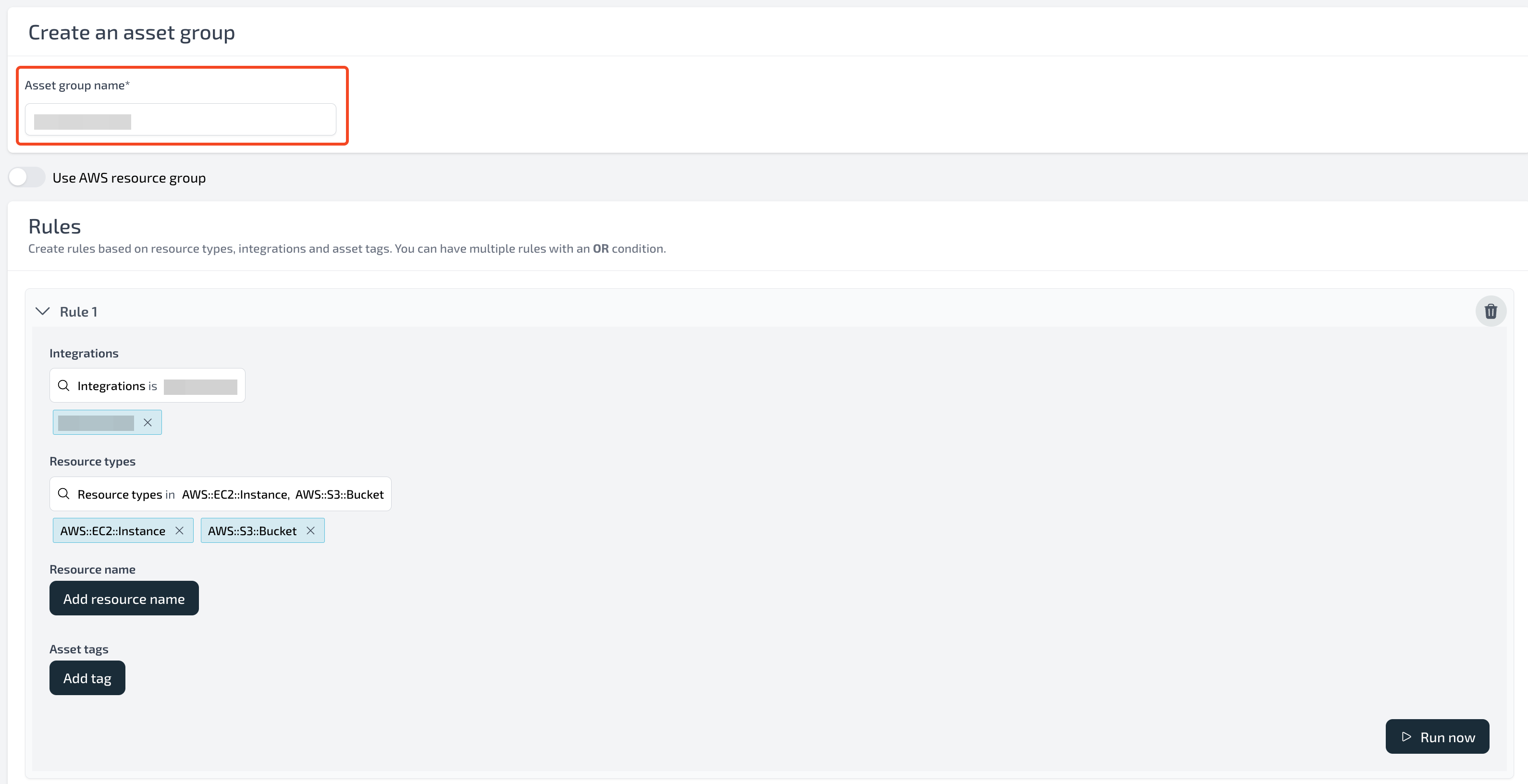
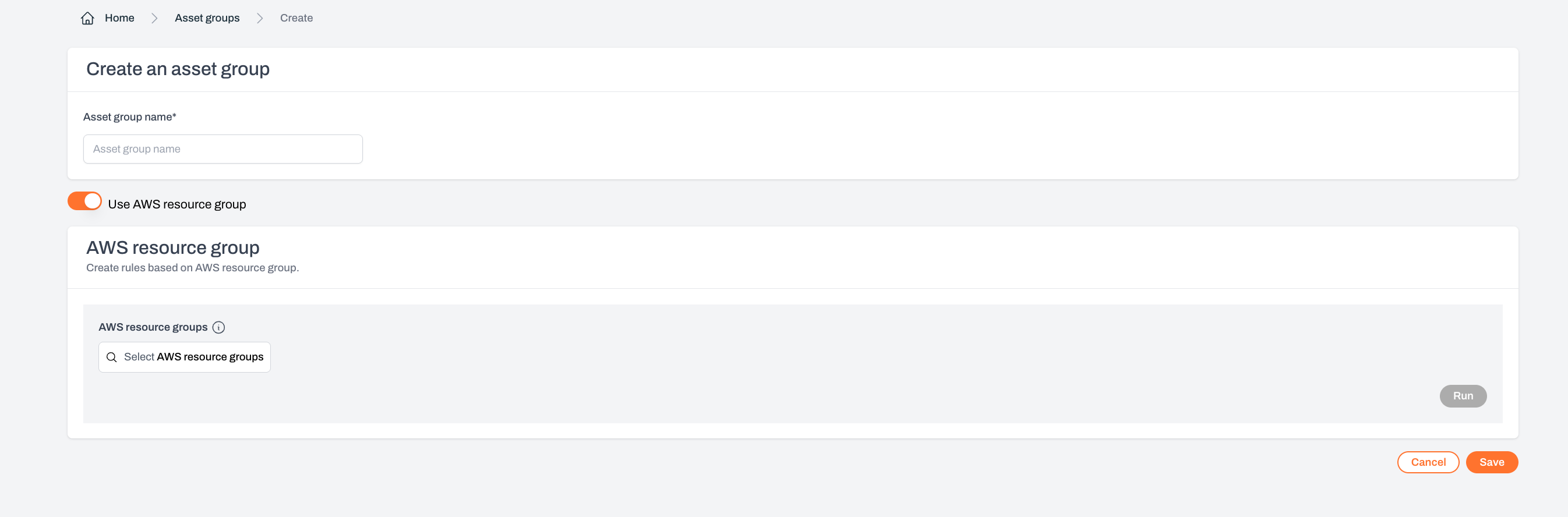
To create an asset group, navigate to Settings - Asset Groups and click the Create Asset Group button.Each tenant can have a maximum of 25 asset groups.

Supported conditions include:
- Integration
- Resource type
- Asset tag
- Resource name
- AWS Resource Groups
Filters
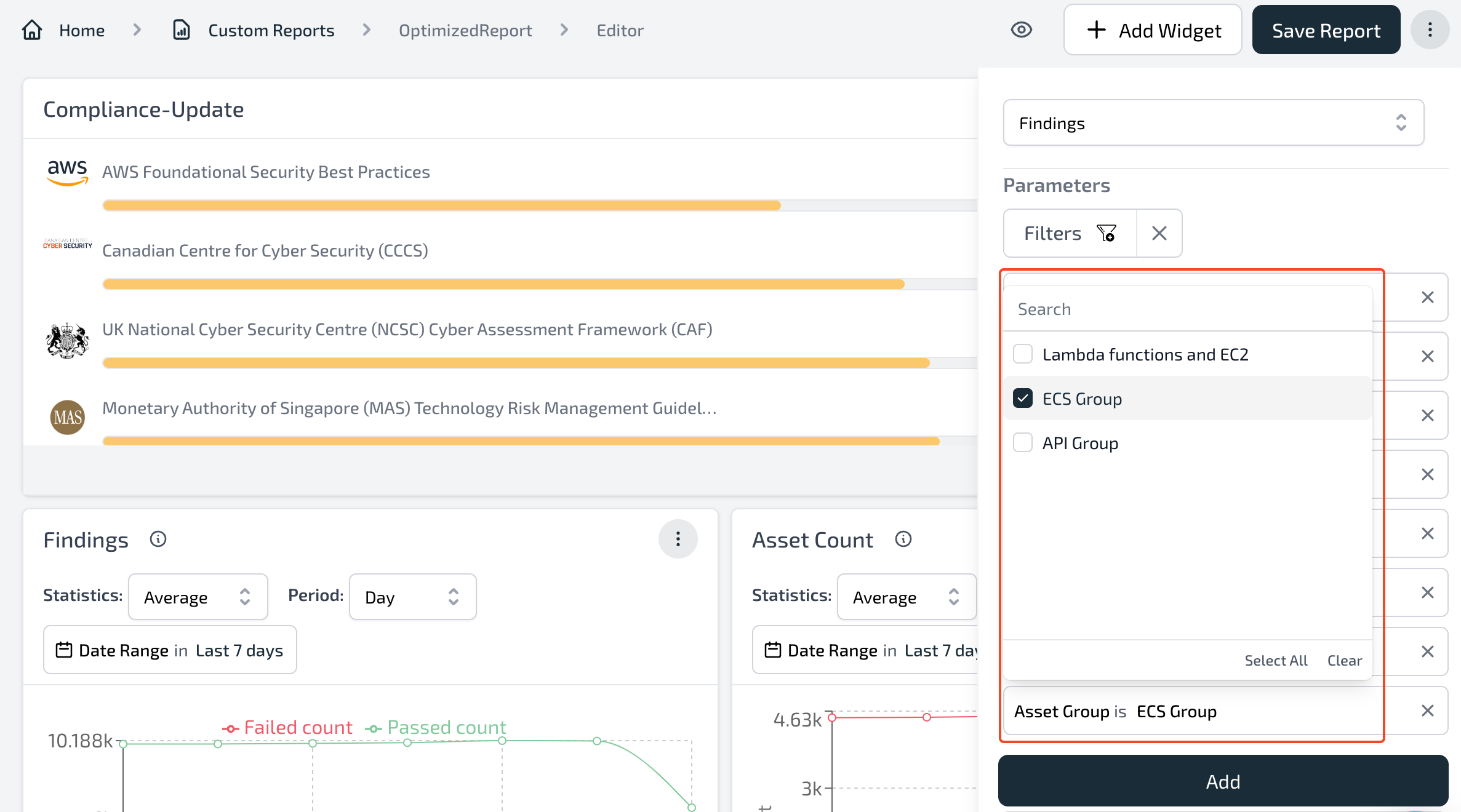
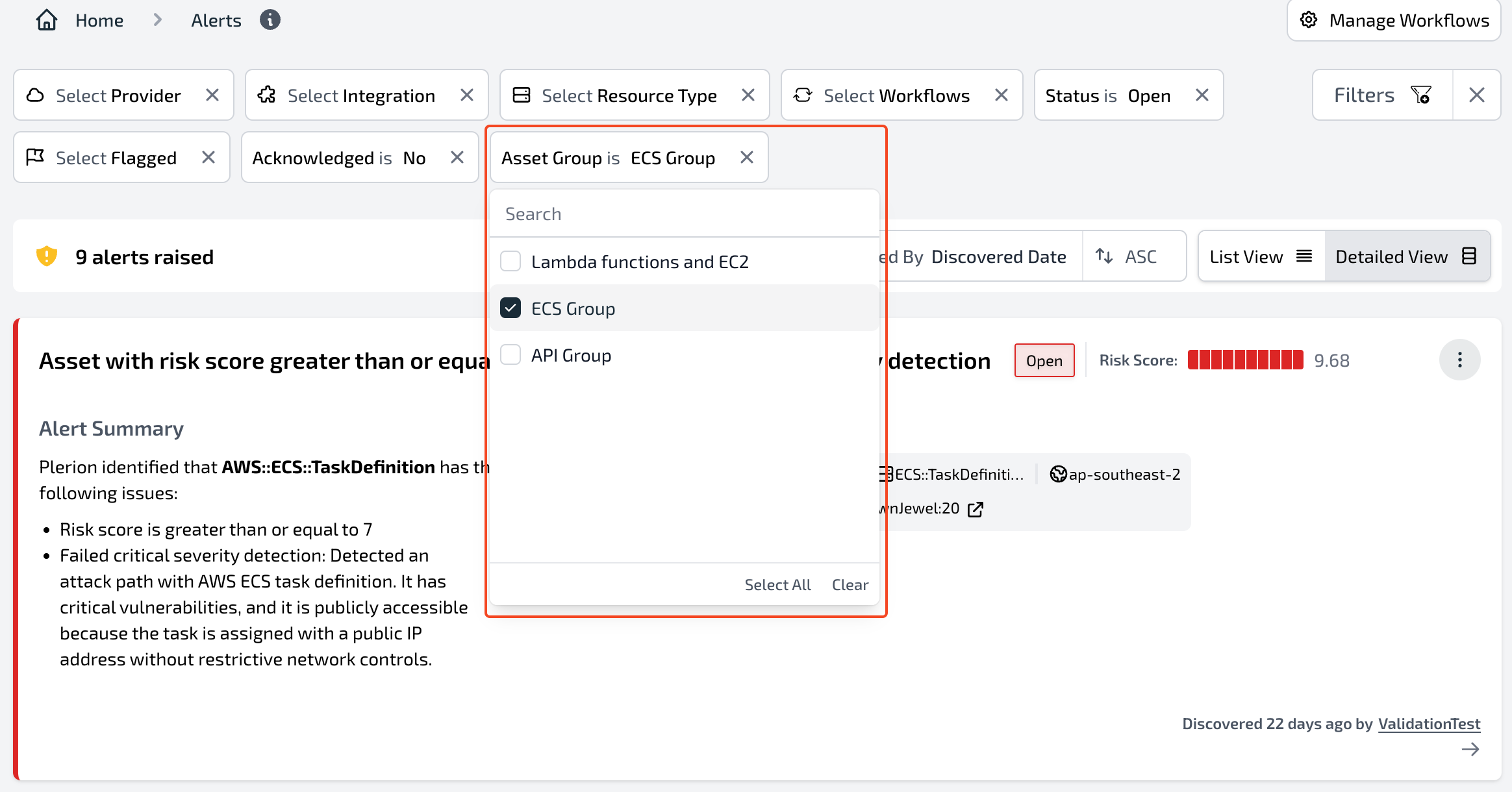
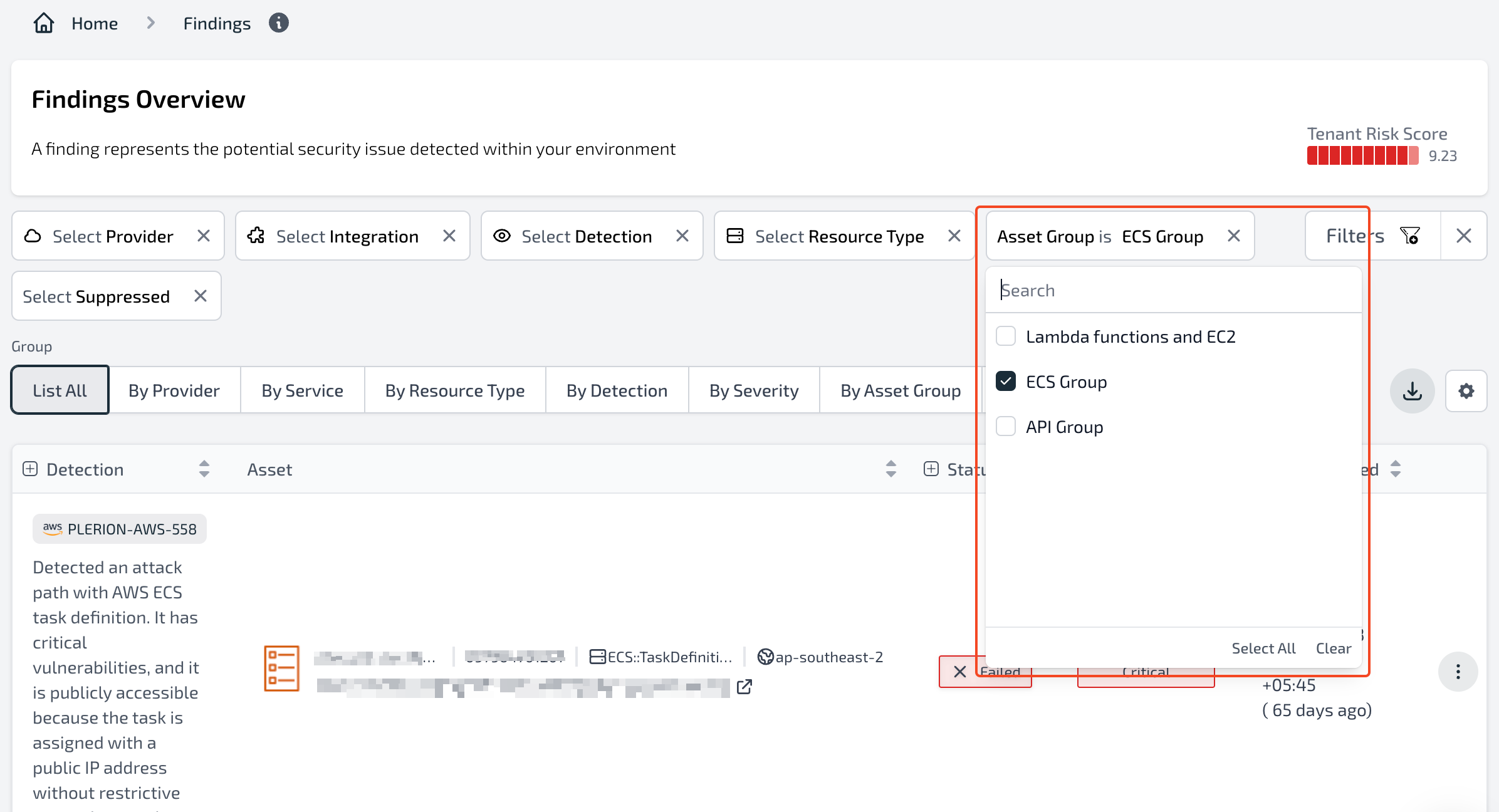
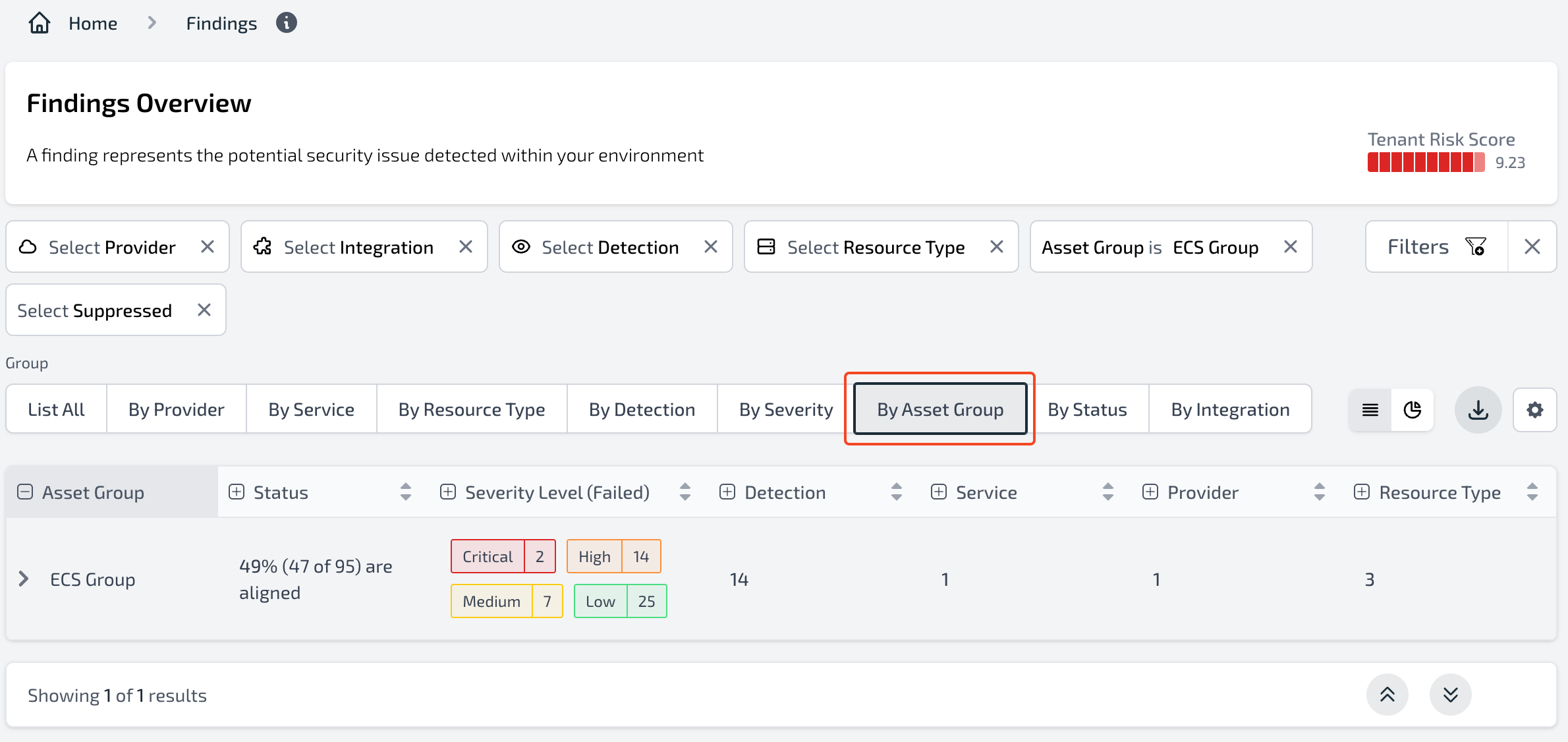
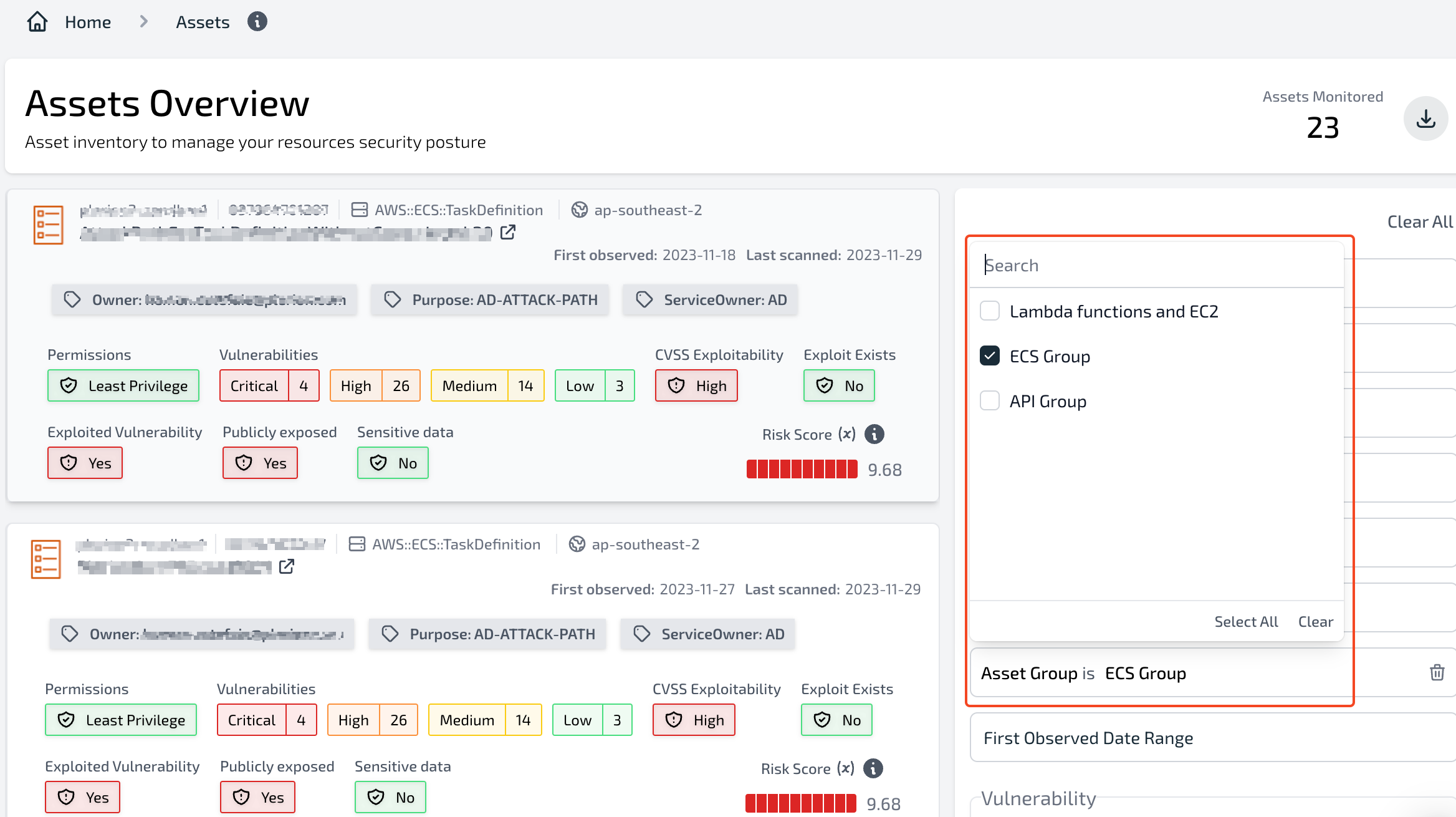
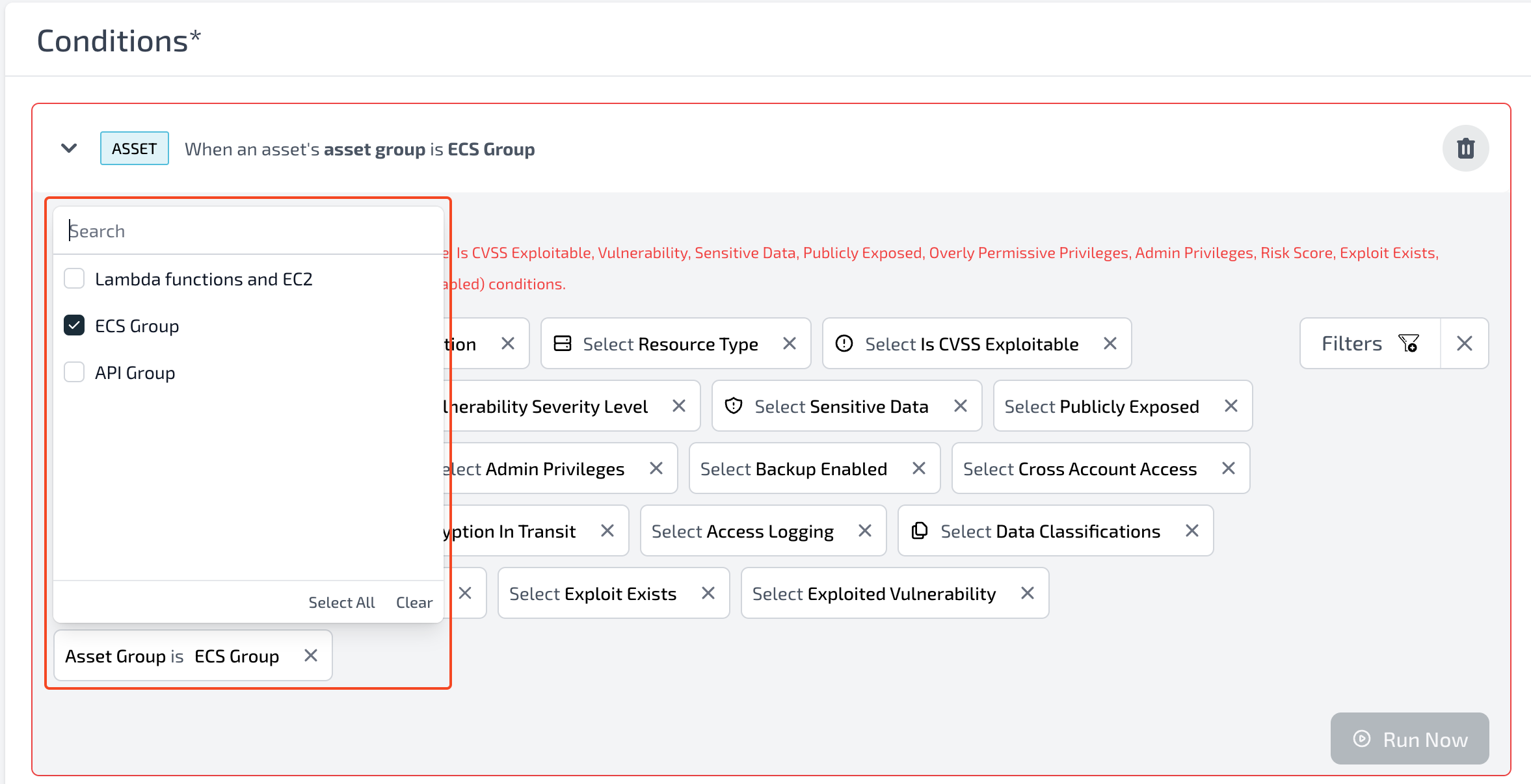
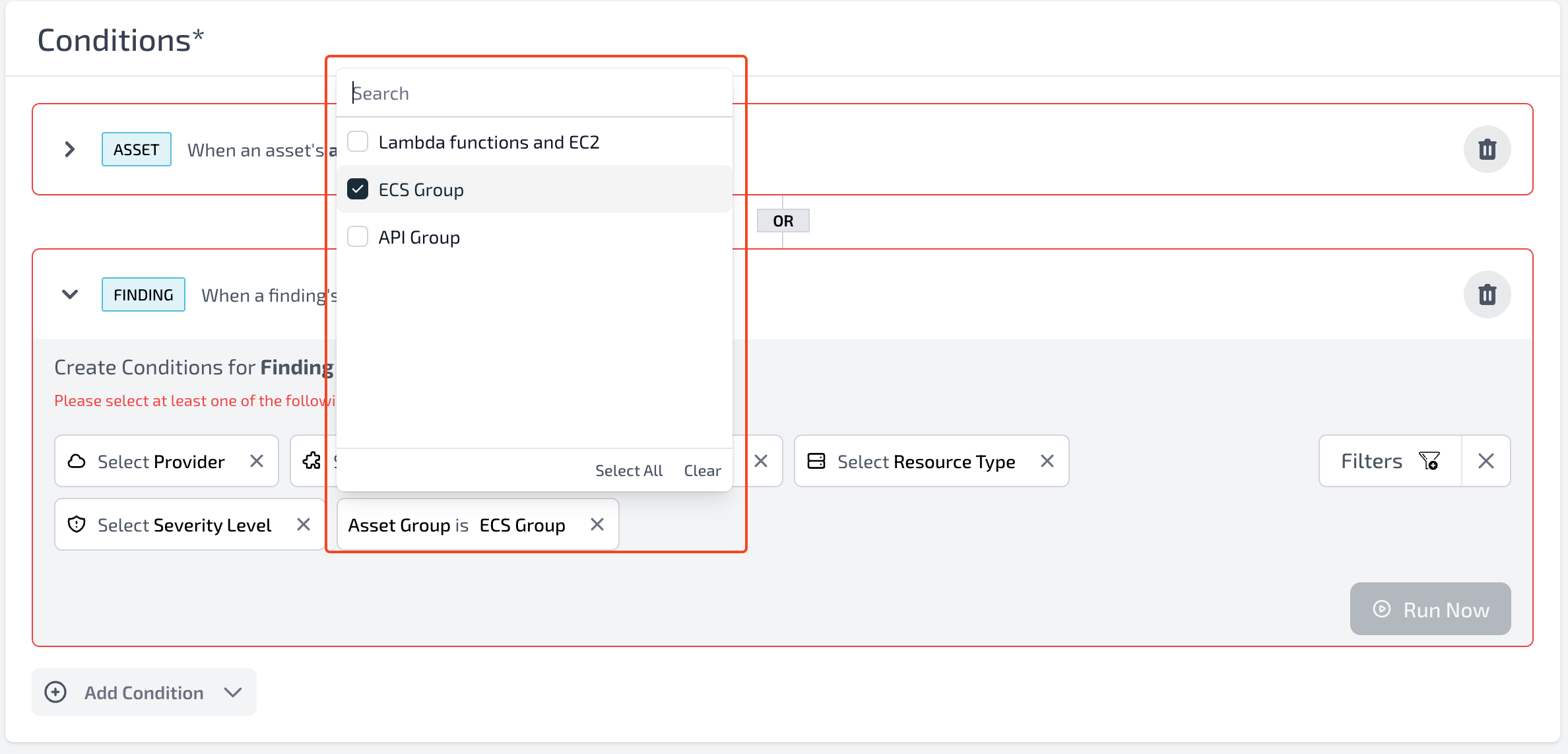
You can apply filters based on asset groups to focus on alerts, findings, assets, or other data associated with a particular group.Alerts dashboard
Findings dashboard
Assets dashboard
Workflows
Custom dashboards